

Liblibe - Library Management Application
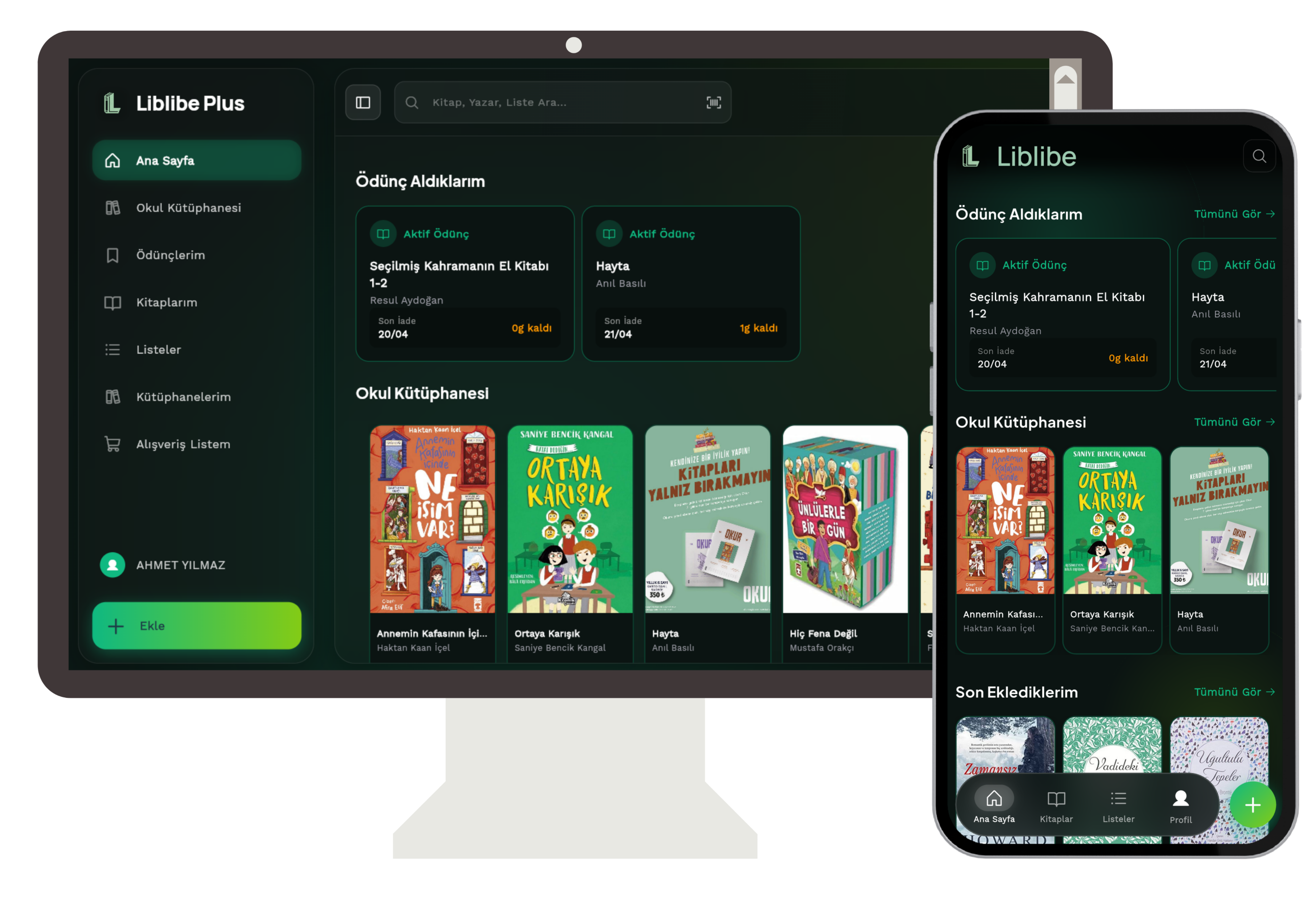
Liblibe is a modern mobile library application designed for personal bookworms as well as schools or small institutions to simplify book management. Manually registering books today is a quite tedious process. Liblibe fits this process into seconds using your smartphone's camera.
Key Features
- Fast Book Addition via Barcode: Thanks to the in-app camera integration, you can add books to your library in seconds by scanning their ISBN barcodes.
- Cloud-Based Real-Time Synchronization: Thanks to the Firebase infrastructure, all the books you add are safely stored in the cloud. You can instantly access your library from any device you log in to (by logging in with Google or Email).
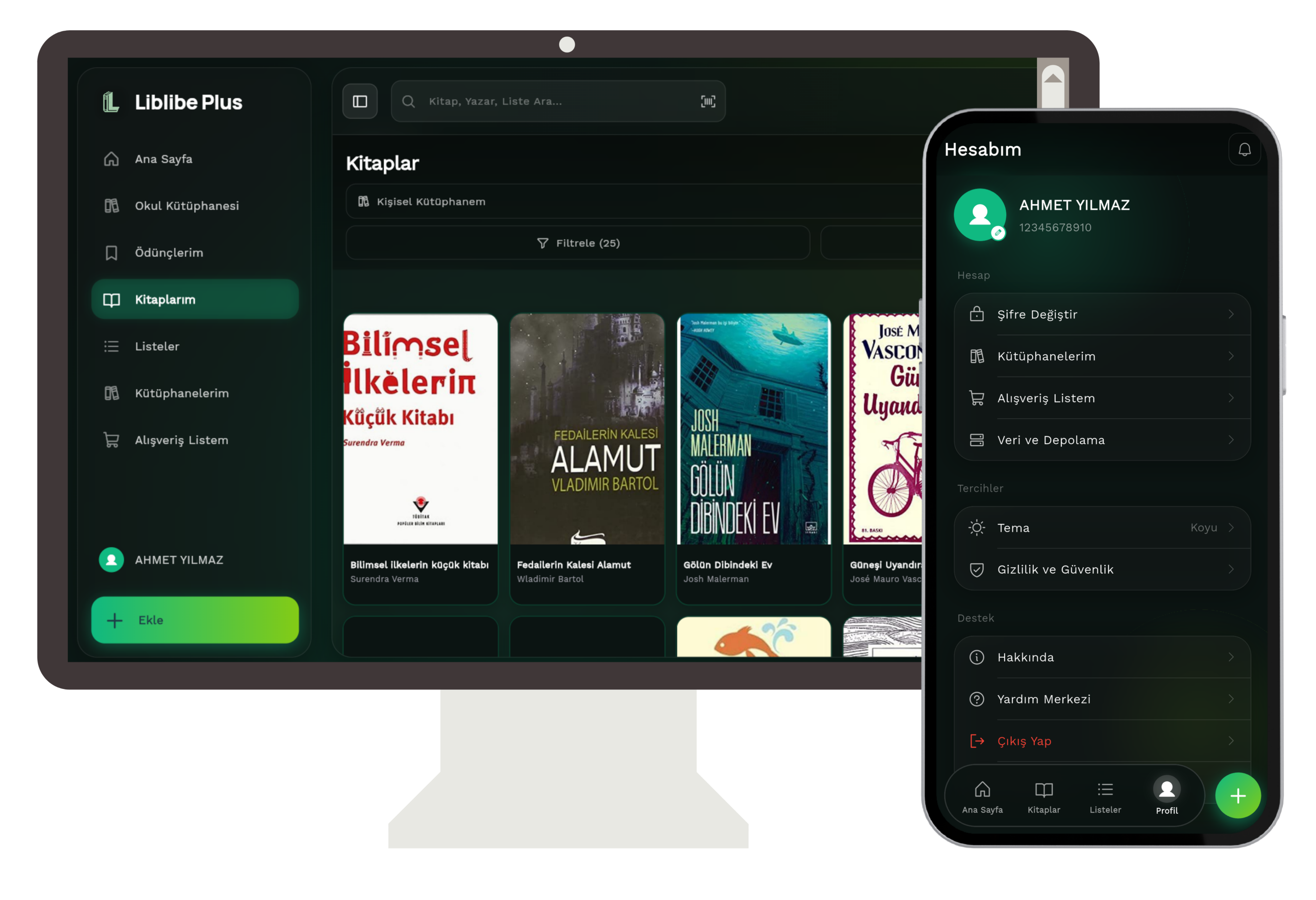
- Excel Export and Import: You can download your library data in Excel (
.xlsx) format with a single click or bulk import your existing book lists into the application. - Notifications: Instant notifications can be sent to users about the return dates of borrowed books or new updates.
Tech Stack
While developing this project, I chose high-performance and modern tools:
- Flutter & Dart: A fluid and native-performance user interface compiled from a single codebase for both iOS and Android.
- Firebase Ecosystem:
- Firebase Auth & Google Sign-In: Secure and fast user authentication.
- Cloud Firestore: Instant synchronization with a real-time NoSQL database.
- Firebase Storage: Cloud hosting for book cover photos and user media.
- Cloud Functions: Serverless business logic running in the background.
- Mobile Scanner: ISBN / QR barcode reading integration using the device camera.
- Excel Export: Excel integration for data reporting and backup.
Liblibe is more than just a software project; it is an educational and cultural technology tool that strengthens our digital bond with books. You can visit our web platform to explore the application right now or start managing your library:
👉 app.liblibe.com.tr